
Scan Perfect: How to Design and Print Custom QR Code Stickers
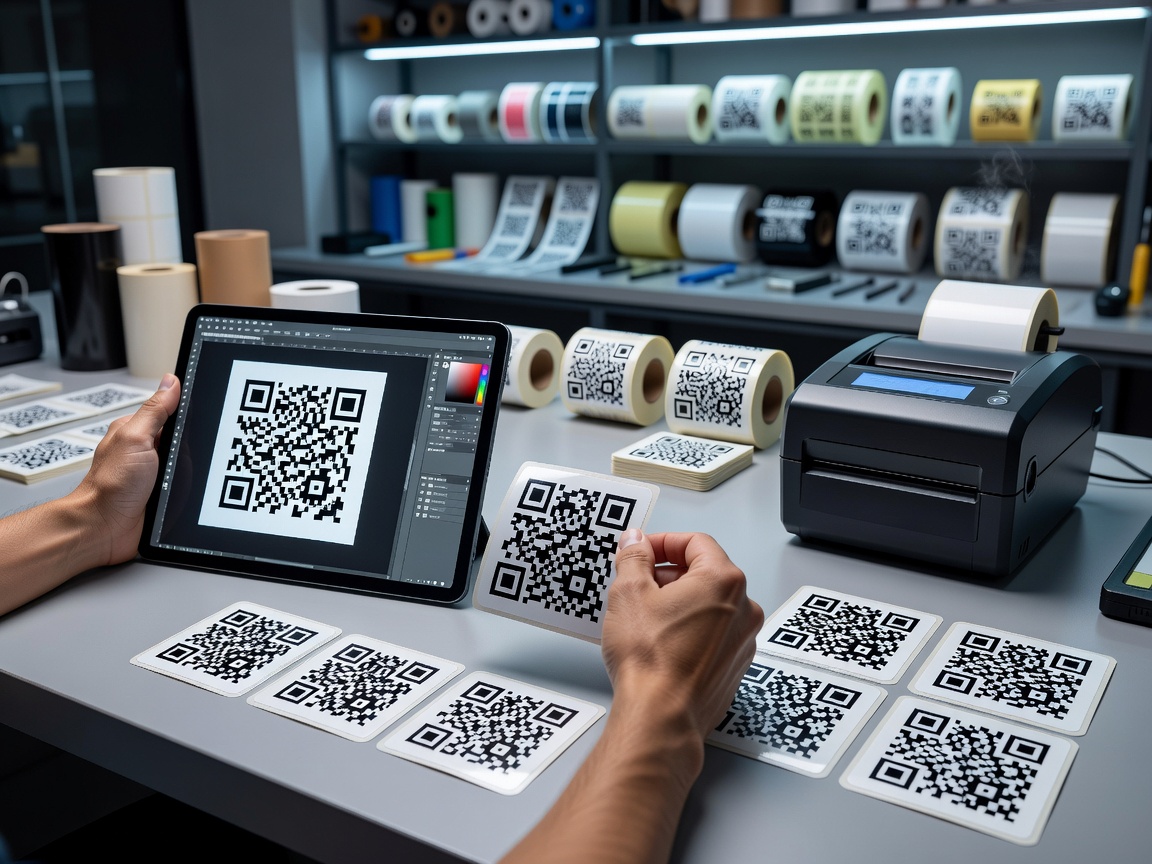
A QR code (Quick Response code) sticker is a physical adhesive label printed with a two-dimensional matrix pattern. Unlike standard line-based barcodes that only store numbers horizontally, QR codes encode data both horizontally and vertically using square modules. This structural difference allows a simple sticker to hold thousands of alphanumeric characters.
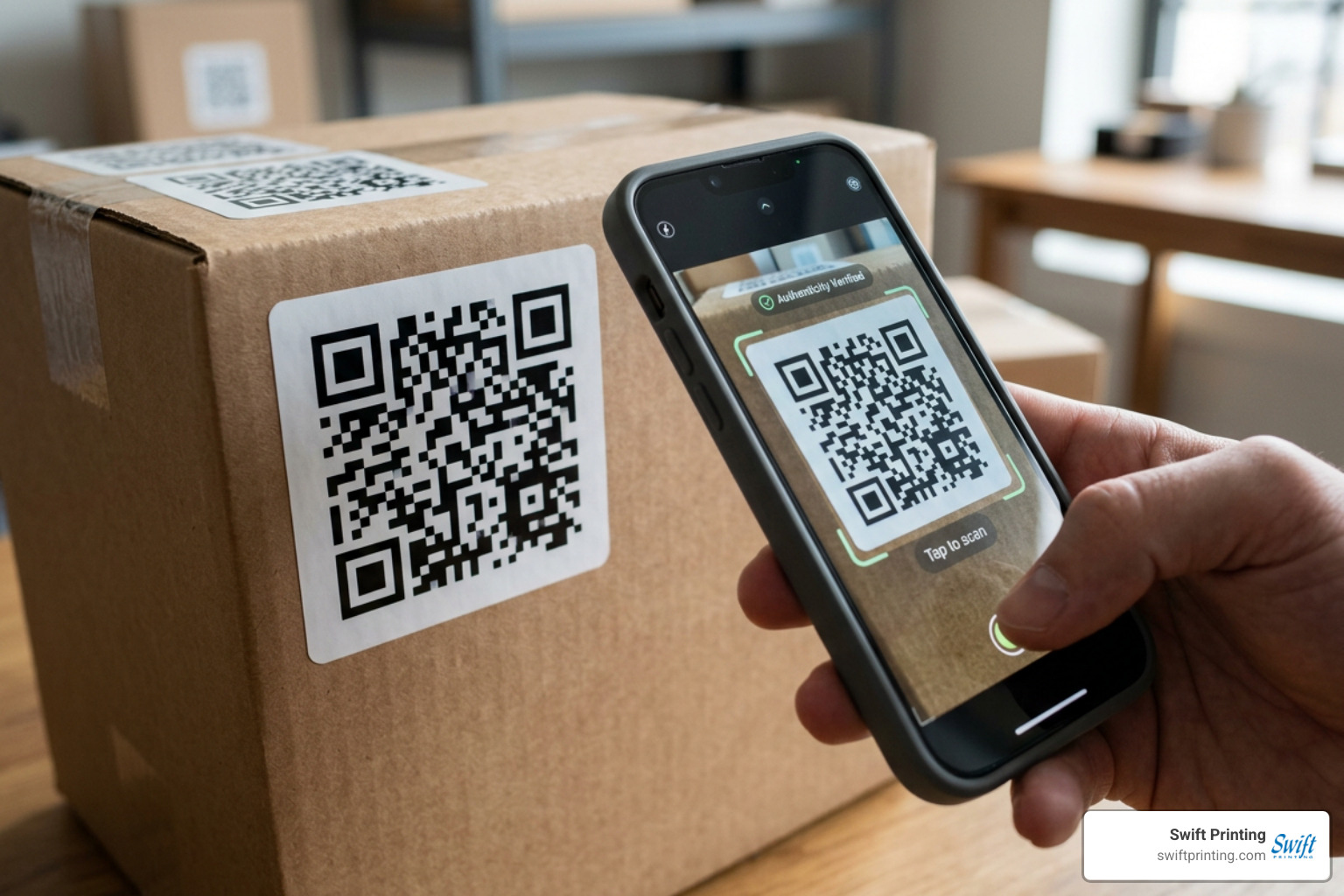
When a customer or employee points a smartphone camera at the sticker, image-processing software decodes the light and dark squares, instantly triggering an action—such as opening a URL, saving a vCard contact, or connecting to Wi-Fi.
Modern QR codes follow strict ISO 18004 international standards. This ensures that no matter what brand of smartphone, operating system, or camera app someone uses, the code reads universally. Furthermore, QR technology includes built-in error correction algorithms. By reserving a portion of the code matrix for redundant data, a printed QR sticker can still function even if it gets scuffed, dirty, or torn. If you are starting from scratch, learning how to make a QR code correctly is the essential first step before setting up your print artwork.
Static vs. Dynamic QR Codes: Choosing the Right Option
When preparing to print qr code stickers, one of your most critical technical decisions is selecting between a static or dynamic code format. Both function similarly to the end-user, but their underlying architecture and long-term versatility differ significantly.
Static QR Codes for Permanent Links
Static QR codes encode your destination data directly into the visual pattern itself. Because the data is fixed into the arrangement of black and white squares, the destination cannot be altered once printed.
- No Expiration: Because there is no intermediary server routing the request, static codes never expire and remain functional as long as the destination URL exists.
- Privacy and Security: Static codes generate entirely client-side without relying on third-party redirection servers, offering complete user data privacy.
- Best Uses: Wi-Fi network credentials, permanent website landing pages, vCard contact stickers, and fixed serial numbers.
The main drawback? If your website URL changes or contains a typo, any physical sticker you have already printed and applied becomes obsolete.
Dynamic QR Codes for Tracking and Flexibility
Dynamic QR codes do not embed your final web address directly into the code structure. Instead, they encode a short redirect URL that routes the scanner to your destination page.
- Editable Destinations: You can change the target URL anytime without replacing your physical stickers.
- Scan Analytics: Dynamic generators track scan performance, including location metrics, device operating systems, and time-of-day data.
- Simpler Visual Matrix: Because dynamic codes only hold a short redirection link, their visual pattern stays cleaner and less dense, making them much easier to scan at smaller physical sizes.
For marketing campaigns, retail packaging, and seasonal promotions, dynamic codes are strongly recommended to protect your physical printing investment.
Designing Scannable QR Code Stickers: Sizing, Contrast, and Branding
Designing a sticker that looks great on screen is only half the battle; it must also scan effortlessly under unpredictable physical conditions.
Sizing Rules and Scanning Distance Ratio
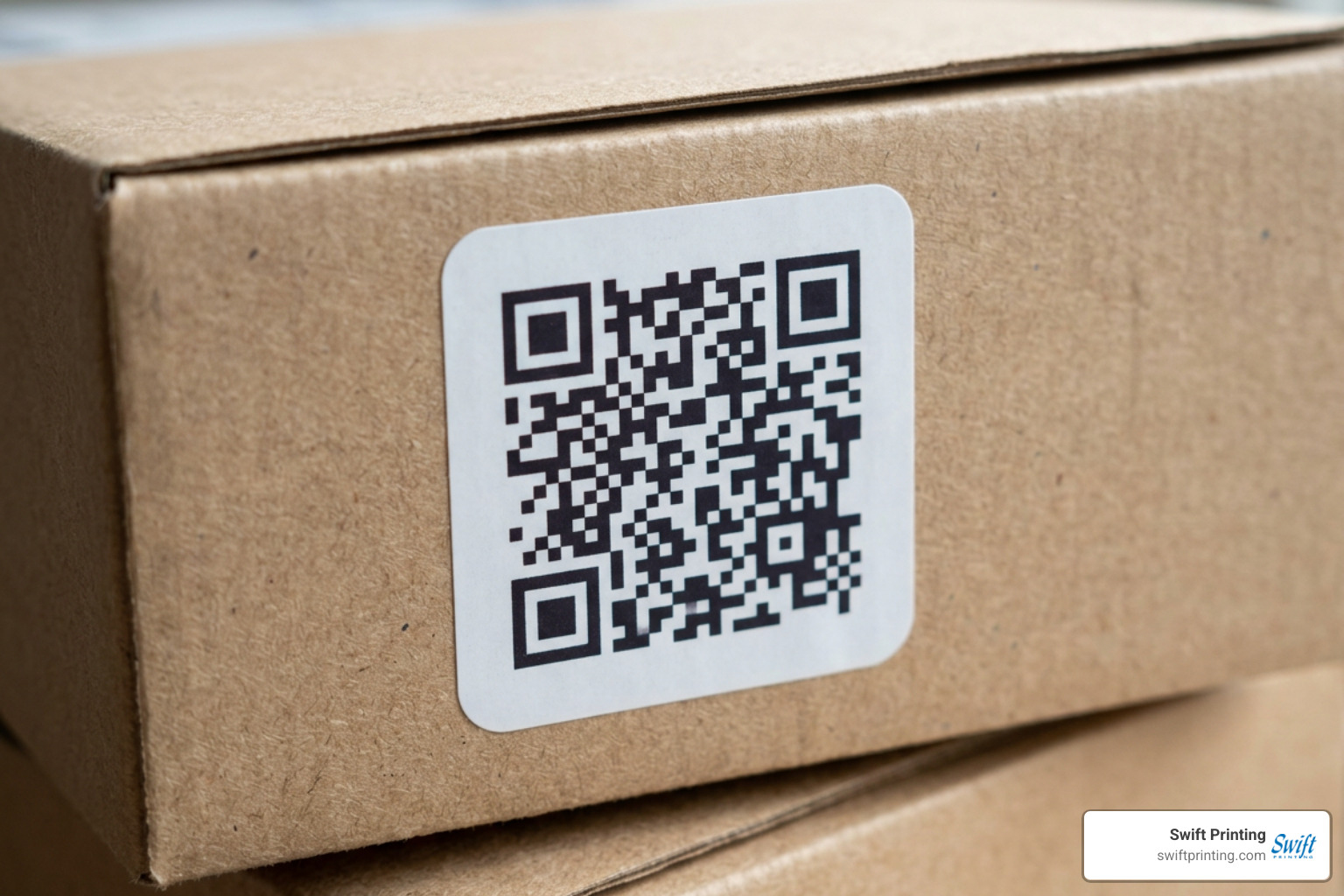
The minimum reliable scan size for a close-range QR code sticker is 2 cm x 2 cm (roughly 0.8 inches square) under good lighting conditions. However, sizing should always scale with the intended scanning distance.
A reliable rule of thumb for commercial printing is the 1:10 scanning distance ratio: the physical width of the QR code should equal roughly 1/10th of the distance between the camera lens and the sticker.
- Product Packaging (Close-up, 8–12 inches away): Minimum 2 cm x 2 cm (0.8" x 0.8").
- Table Tents & Counter Displays (1–2 feet away): 3 cm x 3 cm to 5 cm x 5 cm (1.2" to 2.0").
- Window Displays & Vehicle Fleets (3–6 feet away): 8 cm x 8 cm to 15 cm x 15 cm (3.0" to 6.0") or larger.
To avoid formatting errors prior to production, review our guide on how to prepare a Canva file for the printer.
Adding Logos and Maintaining Contrast
High optical contrast is necessary for camera recognition. Standard scanners look for dark elements over a light background.
- Color Contrast: Keep foreground modules dark (black, deep navy, dark brown) and background areas light (white, cream, pale yellow). Never invert contrast (light code on a dark background), as many standard camera apps fail to decode inverted matrices.
- The Quiet Zone: Maintain a clear margin—known as the quiet zone—around all four edges of the QR pattern. This margin must be at least 4 modules (squares) wide, completely clear of text, graphics, or die-cut borders.
- Branded Logos: When embedding a logo in the center of your code, elevate the error-correction level to Level H. Level H error correction tolerates up to 30% of the QR pattern being covered or obscured while remaining 100% scannable.
Step-by-Step Guide: How to Print QR Code Stickers
Getting your custom stickers from digital art to physical production requires careful artwork file setup.
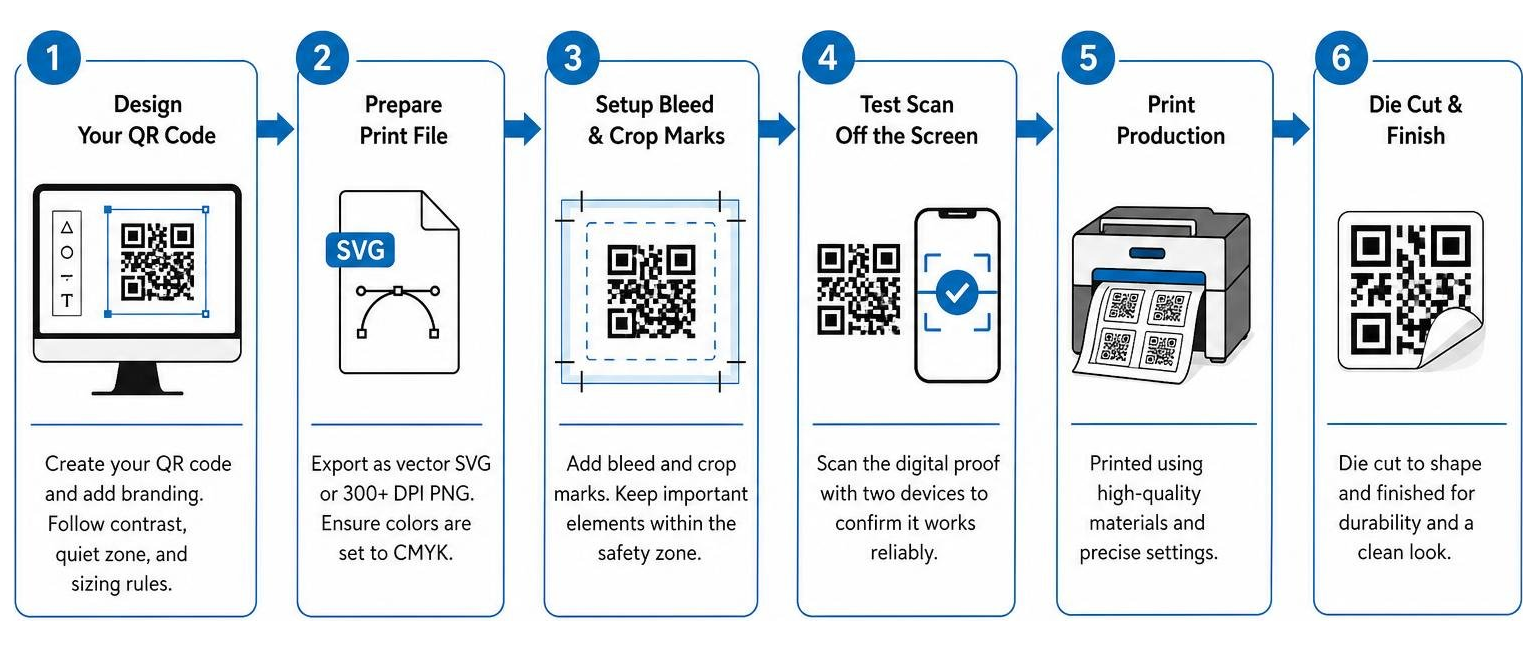
- Generate artwork using vector formats: Always export your final QR code design as a vector SVG file or an ultra-high-resolution raster file (300+ DPI PNG). Vector files scale endlessly without pixelation or blurred edges.
- Setup bleed and crop marks: If your sticker design features background colors extending to the edge, ensure your print file includes proper safety zones. Make sure to avoid the 10 most common print file mistakes and understand why crop and bleed marks matter in printing.
- Run a test scan off the screen: Before placing an order, scan the on-screen digital draft using two different mobile devices to verify the destination link.
How to Print QR Code Stickers in Bulk or Full Sheets
If you need hundreds or thousands of unique codes—such as distinct serial numbers for asset management or individual ticket badges—manual creation is inefficient.
Most commercial generators accept a structured CSV file upload containing your variable URLs or serial numbers, automatically outputting a batch folder of print-ready vector files. You can then tile these codes across cut-ready PDF sheets, utilizing digital short run printing for fast turnaround times. Optional dashed cut guide lines placed in grid margins make guillotine trimming clean and accurate.
File Formats and Pre-Print Testing Protocols
Never commit to a full production run without physical proof testing:
- Verify Scale: Print a draft proof on paper at 100% scale ("Actual Size").
- Physical Camera Test: Scan the physical paper proof using both an iOS and Android device under standard indoor lighting and low-light conditions.
- Surface Reflection Test: Hold the proof against your intended application surface to spot any potential glare issues.
Material Selection and Printing Methods for Outdoor Durability
Choosing the right stock and finish determines whether your printed QR code stickers last for years or fade within weeks. Learn more about professional options for label printing in Grand Rapids Michigan.
| Material / Option | Ideal Environment | Key Characteristics | Recommended Finish |
|---|---|---|---|
| Paper Stock | Indoor / Short-Term | Budget-friendly, eco-conscious, crisp text detail | Matte / Gloss |
| White Vinyl | Outdoor / Heavy Use | Waterproof, tear-proof, UV resistant | Matte Lamination |
| BOPP (Polypropylene) | Packaging / Liquids | Oil and chemical resistant, high clarity | Matte or Satin |
| Removable Adhesive | Windows / Temporary | Leaves zero sticky residue upon removal | Matte |
| Permanent High-Tack | Equipment / Assets | Extremely strong bond to metal and plastic | Matte Lamination |
Choosing Materials to Print QR Code Stickers For Outdoor Use
For outdoor stickers, vehicle fleets, and equipment tags, white vinyl coated with a protective UV lamination layer is the industry benchmark. Waterproof vinyl prevents moisture absorption, while UV laminate shielding protects printed inks against sun fading, scratches, and harsh environmental exposure.
Finishes and Adhesive Types
Surface glare is the hidden enemy of camera optics.
- Matte Finish (Strongly Recommended): Matte finishes scatter ambient light, eliminating reflective hot spots that blind smartphone camera lenses.
- Glossy Finish: Highly vibrant for visual artwork, but can create blinding glare under direct sunlight or spot lighting.
- Adhesive Selection: Choose permanent adhesive for product labels and asset identification. Select removable, residue-free adhesive for storefront glass or temporary event signage. Explore complete finishing options for printing and learn about bindery options here at Swift.
Common Use Cases and Applications for Custom QR Code Stickers
Printed QR code stickers effectively connect physical products and places with digital interaction.
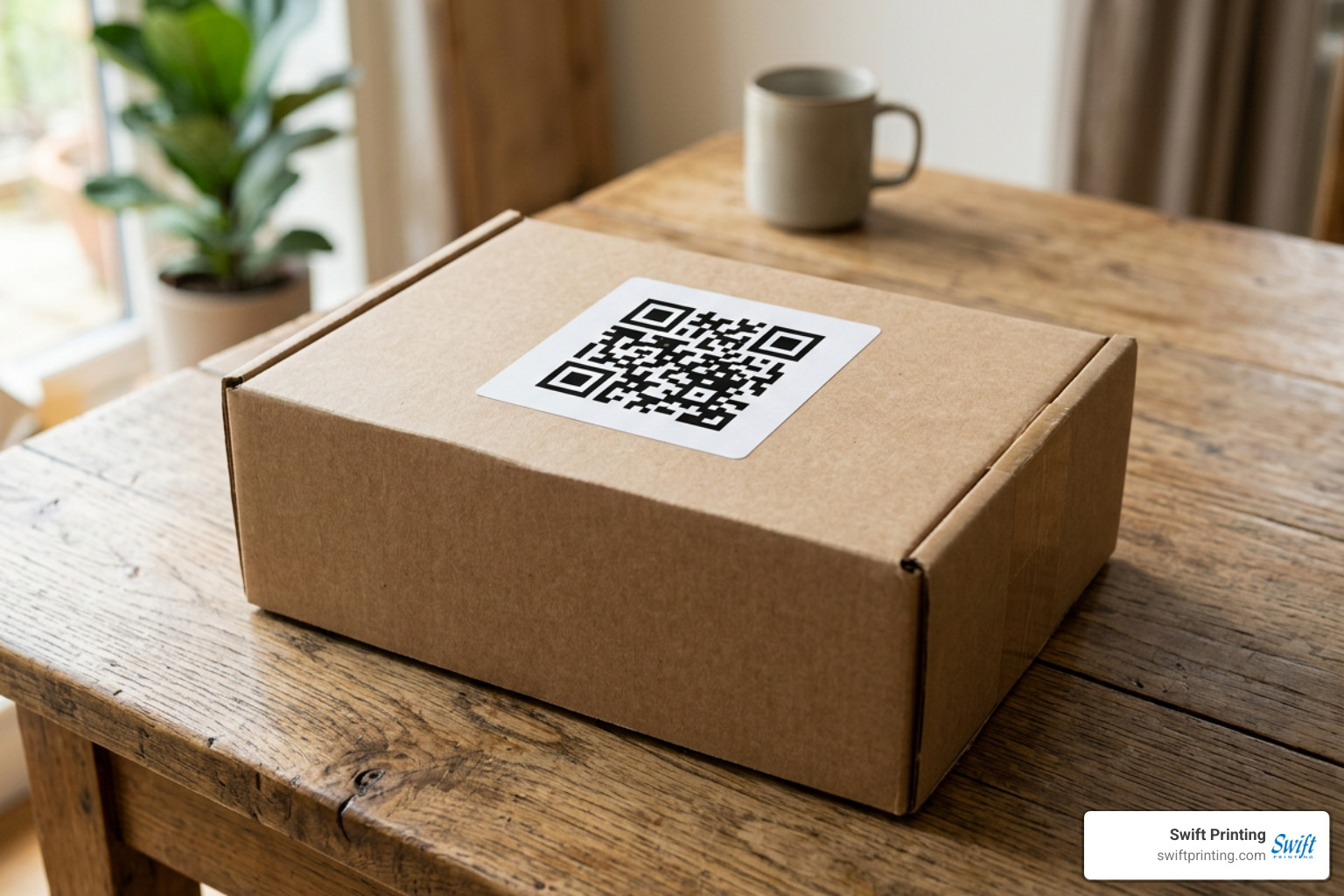
- Product Packaging & Inserts: Link buyers directly to unboxing videos, user manuals, warranty registrations, or care guidelines.
- Storefront Windows & Entry Displays: Allow window shoppers to view digital menus, schedule appointments, or shop online after business hours.
- Customer Review Collection: Place counter stickers featuring direct links to your Google Review page at checkout.
- Equipment & Asset Tracking: Tag industrial machinery, IT assets, and tools with durable serial codes linked directly to digital maintenance logs.
- Vehicle & Fleet Marketing: Convert commercial vans into mobile conversion points by placing large outdoor vinyl QR decals on rear doors and windows.
- Direct Marketing Campaigns: Enhance response rates by integrating scannable stickers into direct mail pieces or reading about how to design the perfect brochure for your business.
Frequently Asked Questions About QR Code Stickers
What is the minimum size to print qr code stickers reliably?
The absolute minimum size for close-range scanning (under 12 inches) in good lighting is 2 cm x 2 cm (0.8" x 0.8"). For scanning at greater distances, use the 1:10 ratio rule—1 inch of code width for every 10 inches (or 1 foot) of scanning distance.
How much does it cost to generate and print qr code stickers?
Costs vary depending on order volume and material specifications. DIY home printing runs roughly $0.15–$0.30 per sticker for paper stock. Commercial printing scales efficiently: smaller runs start around $20–$30, while high-volume custom runs drop to as low as $0.08–$0.15 per sticker for bulk orders.
Can I update the URL after printing QR code stickers?
Yes, but only if you use a dynamic QR code. Dynamic QR codes route through an editable redirection link, allowing you to update the destination web address at any time without reprinting physical stickers. Static QR codes cannot be edited after printing.
Conclusion
To print qr code stickers successfully, balance smart visual design with durable material selection. By maintaining high contrast, preserving quiet zone margins, utilizing vector files, and opting for glare-reducing matte finishes, you ensure your physical stickers scan quickly and reliably every time.
At Swift Printing, we combine commercial printing craftsmanship with a dedication to environmental and social responsibility as one of only two Certified B Corporations in global printing. Whether you need short-run product labels or thousands of outdoor vinyl asset tags, our Grand Rapids team is ready to bring your project to life.
Ready to start your project? Learn more about integrating QR codes in printing and marketing pieces or contact our team at Swift Printing today to request custom print samples and project quotes!